Build your first working
Core Bluetooth prototype
with Swift + ESP32
Get the free starter kit — Swift code, ESP32 firmware, a quickstart PDF, and clear diagrams — so you can scan, connect, send commands, and receive notifications without starting from scratch.
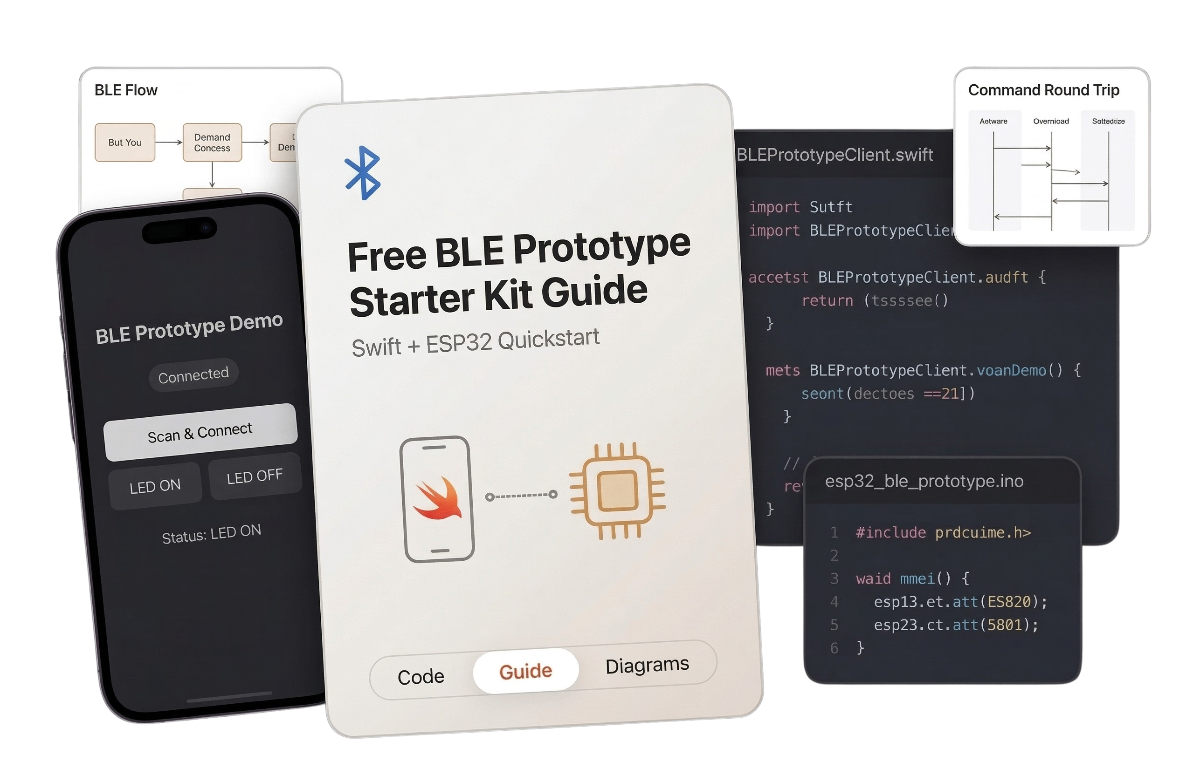
What's inside the kit
SwiftUI prototype app
A minimal iPhone app for scanning, connecting, writing commands, and receiving BLE responses.
ESP32 firmware
A simple BLE peripheral sketch that receives commands and sends status notifications back.
Quickstart PDF guide
A concise walkthrough of the BLE lifecycle, setup steps, and file structure.
BLE diagrams
Clear visuals that explain the prototype flow, characteristic map, and command round trip.
What this kit helps you do
Scan for an ESP32 peripheral from an iPhone
Connect and discover characteristics
Send commands like LED:1 and LED:0
Receive notify responses like LED:ON
Understand the basic BLE round trip
Who this is for
This kit is for intermediate iOS developers who know SwiftUI but want a practical starting point for CoreBluetooth and hardware-connected apps.
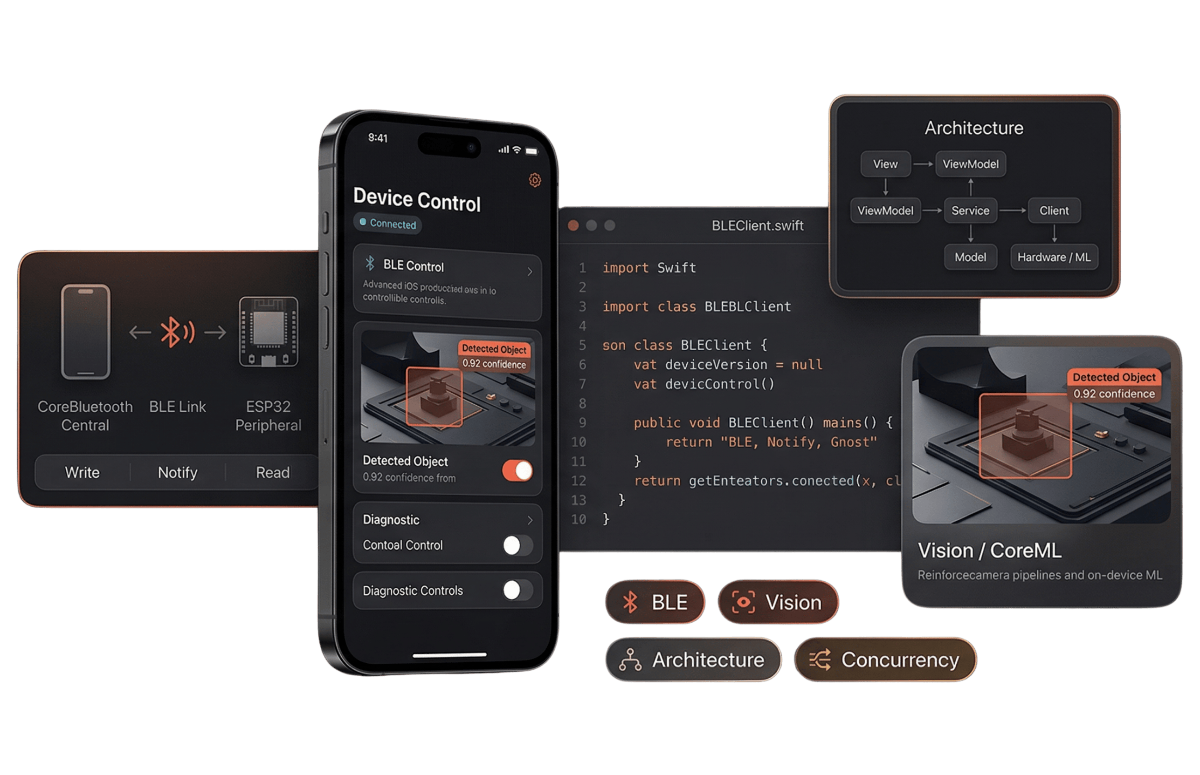
You want a working example before building your own BLE app
You are prototyping an iPhone-to-hardware workflow
You want to understand write and notify without getting lost in delegate chaos
This is a prototype starter, not a full framework
The goal of this kit is to help you get a real BLE round trip working fast. It does not try to solve every production concern like reconnect handling, debugging systems, or full app architecture.
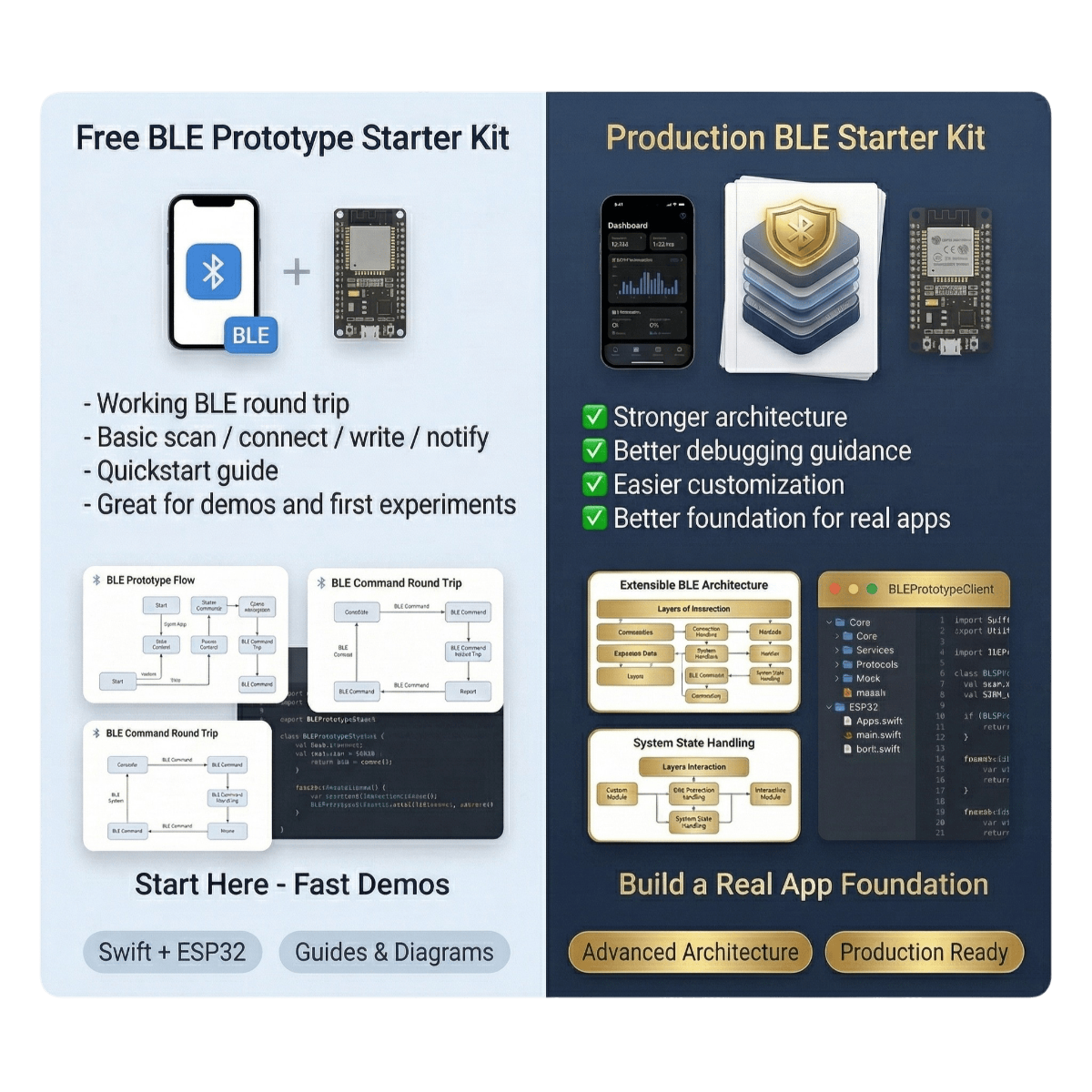
Want the production-ready version?
The free prototype kit gets you to a working demo. The upcoming Production BLE Starter Kit is for developers who want a stronger foundation for real apps — better architecture, better debugging guidance, and easier customization.
Get the free BLE prototype kit
Start with a working demo. Then build from there.